
Splunk App vs Add-On - What's the Difference?
A guide to understanding the difference between a Splunk App and a Splunk Add-On.
A guide to understanding the difference between a Splunk App and a Splunk Add-On.

Splunk users can apply the ut_levenshtein macro from the URL Toolbox app to compare domain names against a reference domain, enabling the detection of potential typosquatting.
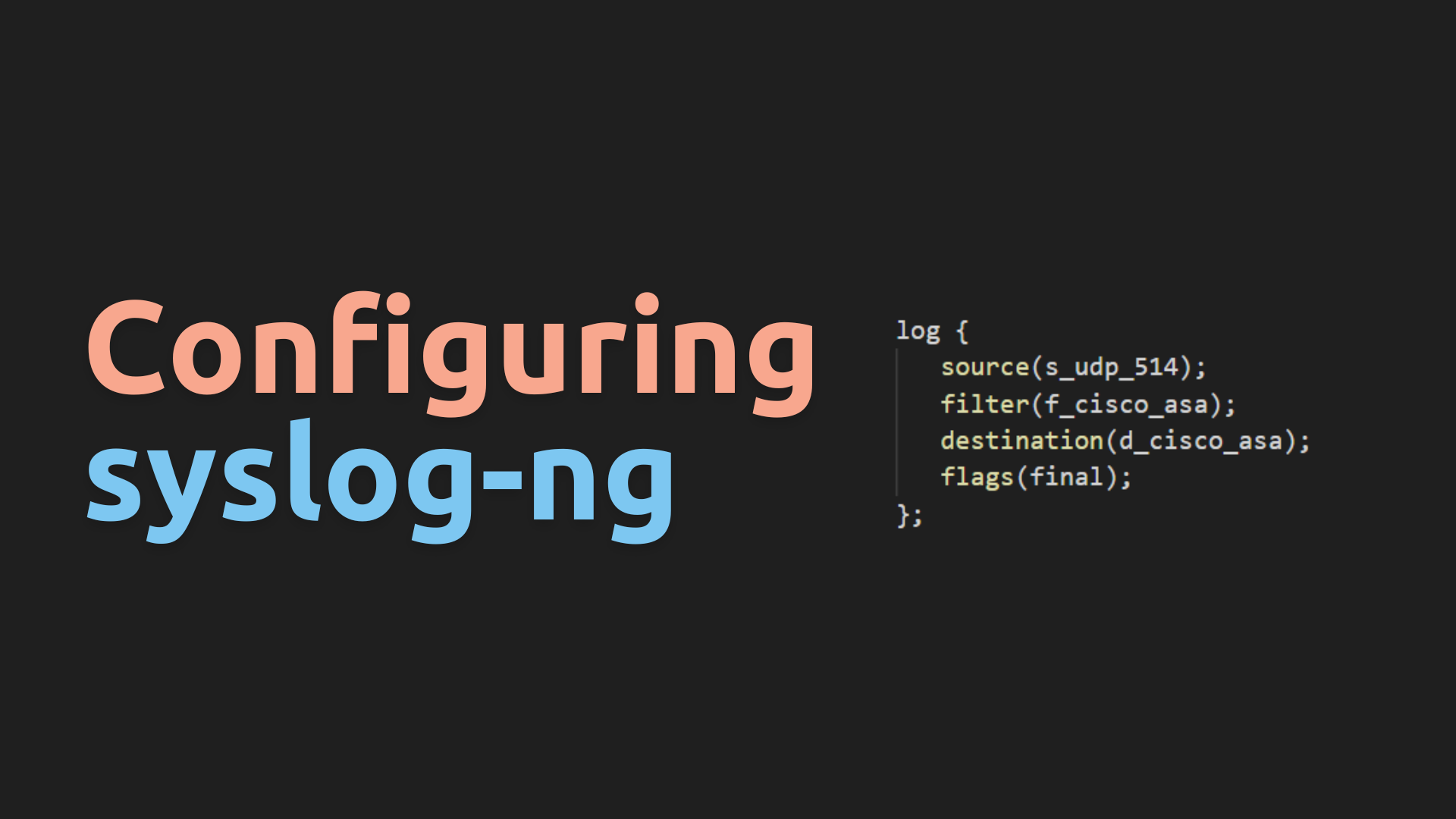
In this guide, we will walk you through the process of creating a Syslog-NG configuration that caches and organizes syslog data on disk. Additionally, we will delve deep into the structure of the config, examining each option we utilize. Finally, we will explore configuring ‘catch-all’ entries.
In this guide, we’ll walk you through the process of installing Syslog-NG on your Ubuntu or any other Debian-based Linux distribution. Syslog-NG is a powerful logging and event management tool used widely in cybersecurity and system administration. Follow these steps to get it up and running on your system.
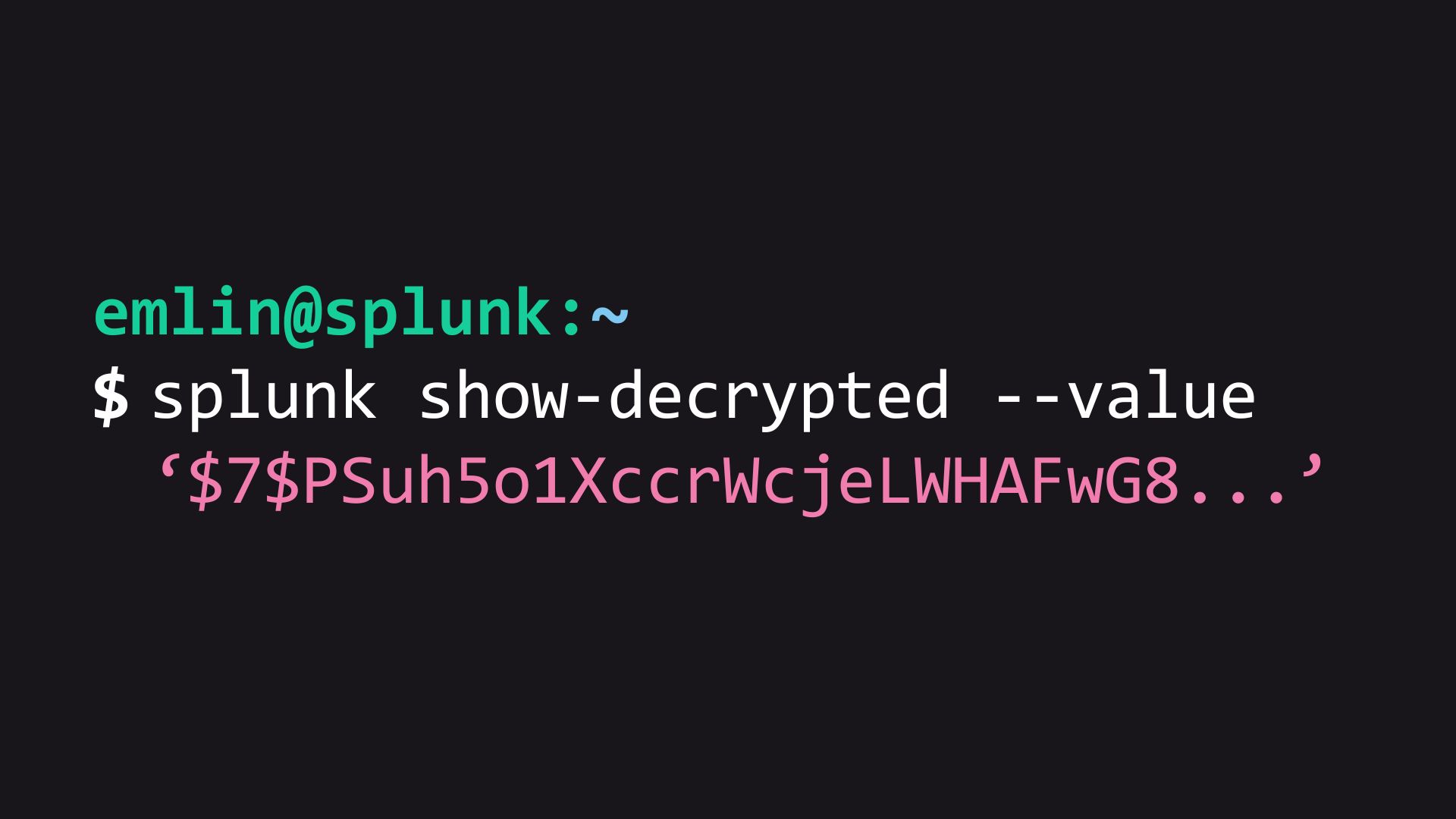
Have you ever needed to locate and replace encrypted secrets in your Splunk configurations? It’s a tricky task that requires careful handling. In this article, we’ll guide you through the process.

Splunk’s index retention settings might seem tricky because they involve various options. If you don’t fully understand these configuration options, you could encounter problems like data being deleted too early or not being removed as expected. Let’s explore some important index retention settings in indexes.conf.
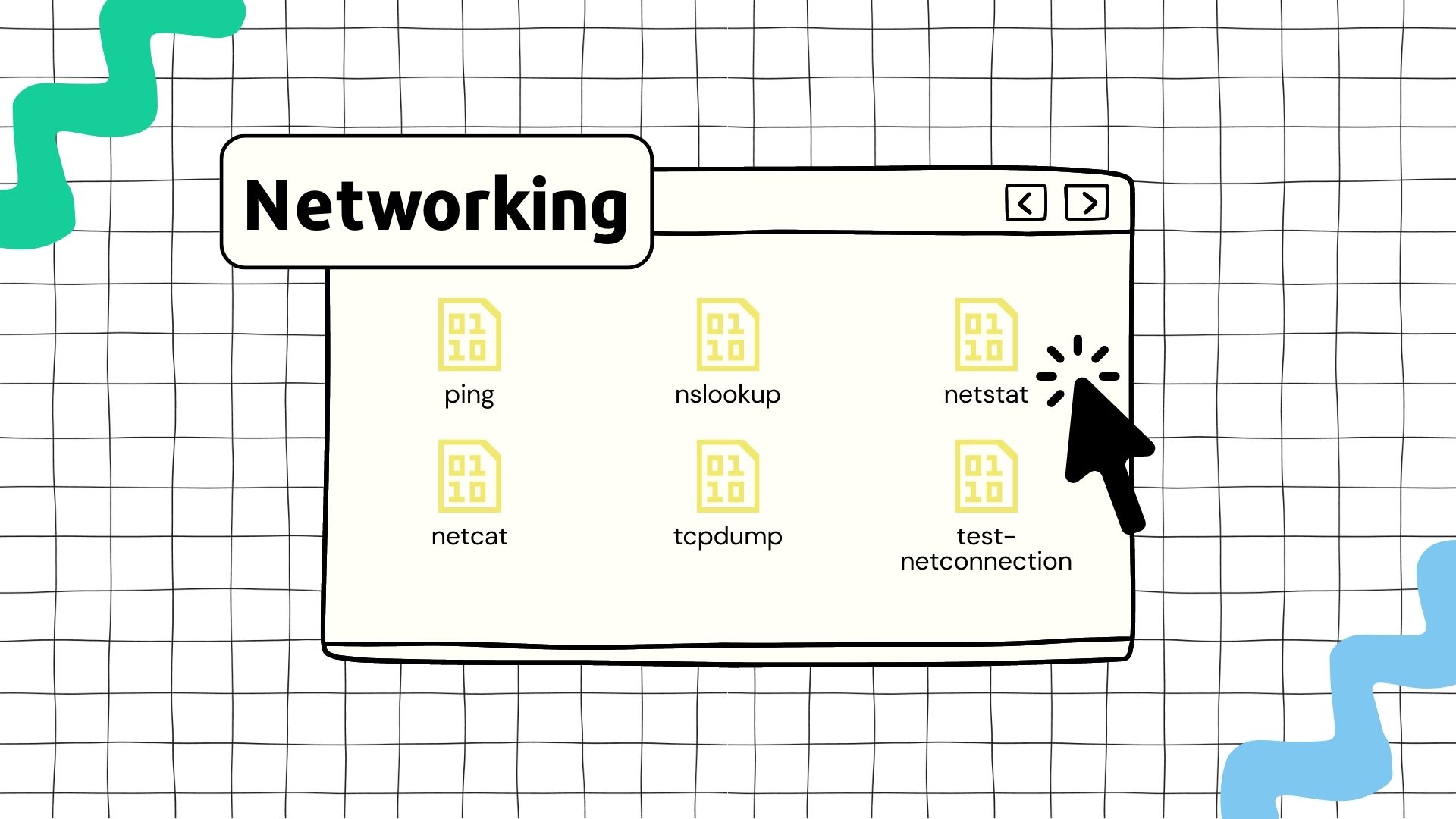
In this guide, we will explore network connectivity troubleshooting using a simple use case.
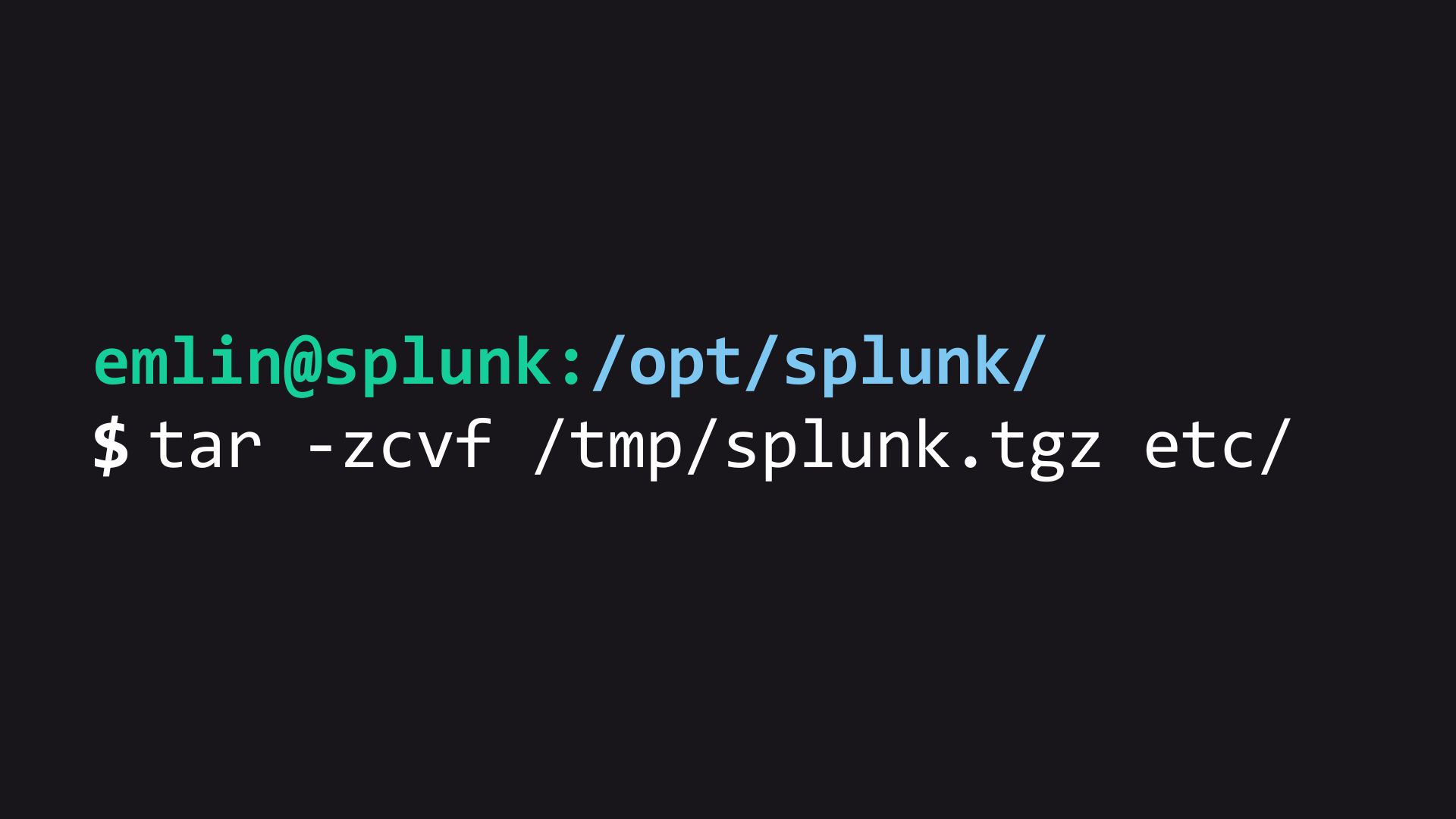
Maintaining a reliable backup strategy is crucial when working with Splunk Enterprise, as it ensures the ability to revert back to a functional state in the event of an unrecoverable issue. In this article, we will explore a simple yet effective method of backing up Splunk’s /opt/splunk/etc directory.

Lets take a look at the steps needed to install Splunk 9.x on a Ubuntu Linux server.

This is the process for installing Docker and Docker-Compose on Ubuntu 20.04