
How to Delete Old Logs Automatically When Using Syslog-NG
Let’s take a look at how to automatically delete old logs when using Syslog-NG. This doesn’t just apply to Syslog-NG, but it’s a common use case.
Let’s take a look at how to automatically delete old logs when using Syslog-NG. This doesn’t just apply to Syslog-NG, but it’s a common use case.
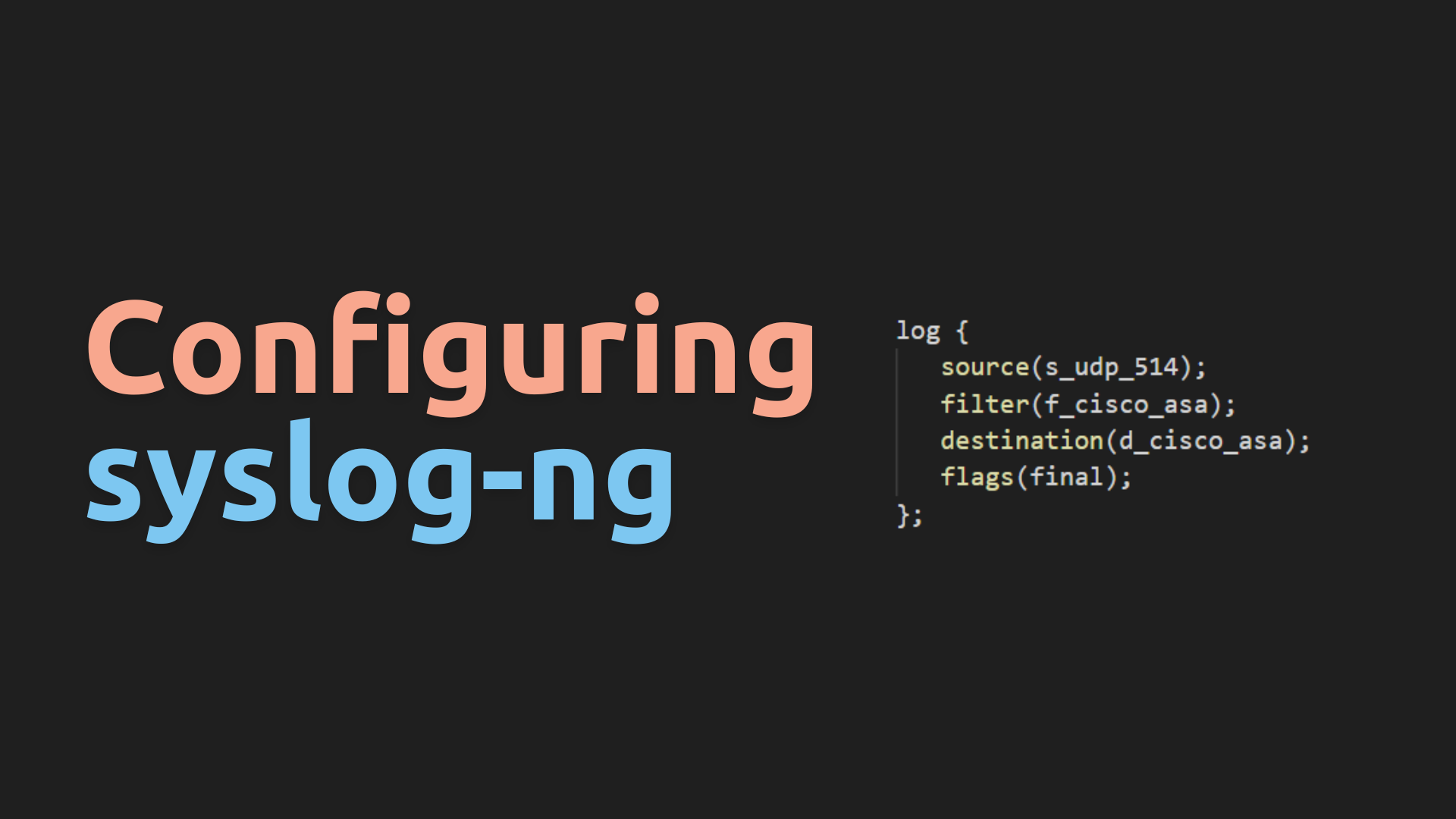
In this guide, we will walk you through the process of creating a Syslog-NG configuration that caches and organizes syslog data on disk. Additionally, we will delve deep into the structure of the config, examining each option we utilize. Finally, we will explore configuring ‘catch-all’ entries.
In this guide, we’ll walk you through the process of installing Syslog-NG on your Ubuntu or any other Debian-based Linux distribution. Syslog-NG is a powerful logging and event management tool used widely in cybersecurity and system administration. Follow these steps to get it up and running on your system.
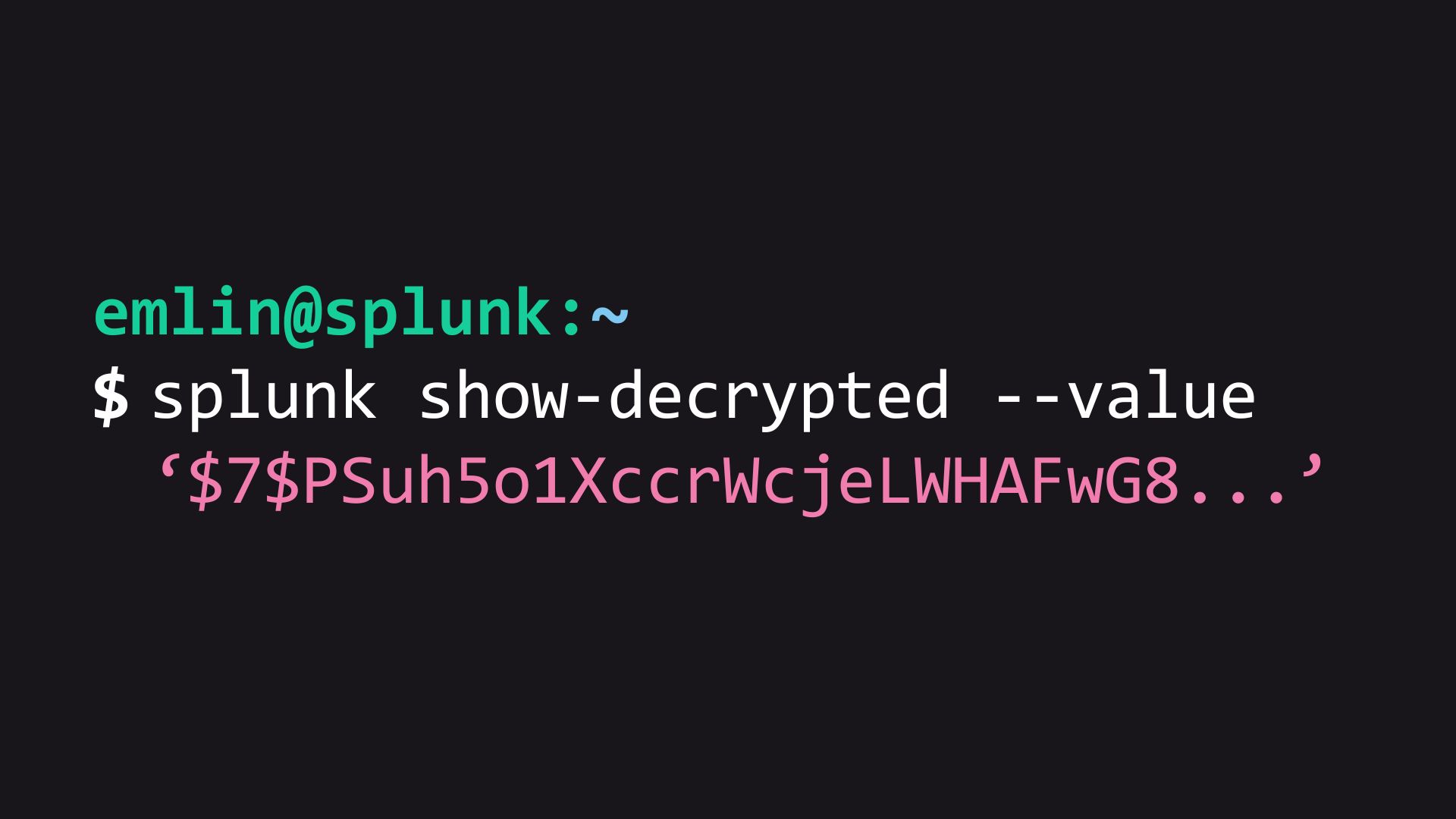
Have you ever needed to locate and replace encrypted secrets in your Splunk configurations? It’s a tricky task that requires careful handling. In this article, we’ll guide you through the process.

Splunk’s index retention settings might seem tricky because they involve various options. If you don’t fully understand these configuration options, you could encounter problems like data being deleted too early or not being removed as expected. Let’s explore some important index retention settings in indexes.conf.

In this guide, we will go through the two main methods you can follow to delete events from Splunk.

Why Base Searches? Even when constructing a simple dashboard, you might have multiple panels that independently run their own searches within the dashboard. Splunk executes these searches separately, retrieves the results, and then displays the visualizations. This process could potentially cause the dashboard to take longer to load, as each panel completes its search individually. If these panels are based on the same initial data, utilizing a base search becomes advantageous. With a base search, the search runs once when the dashboard loads, passing its results to the panels. The panels then carry out post-processing before presenting the visualizations. ...
If you’re looking to dive into Splunk and want a dataset to work with, the BOTS v3 (Boss of the SOC) dataset is a great choice. Lets look at the process of setting up the dataset in Splunk.

This guide will walk you through the process of installing a Linux Splunk Universal Forwarder (UF) with the aim of automating the process.
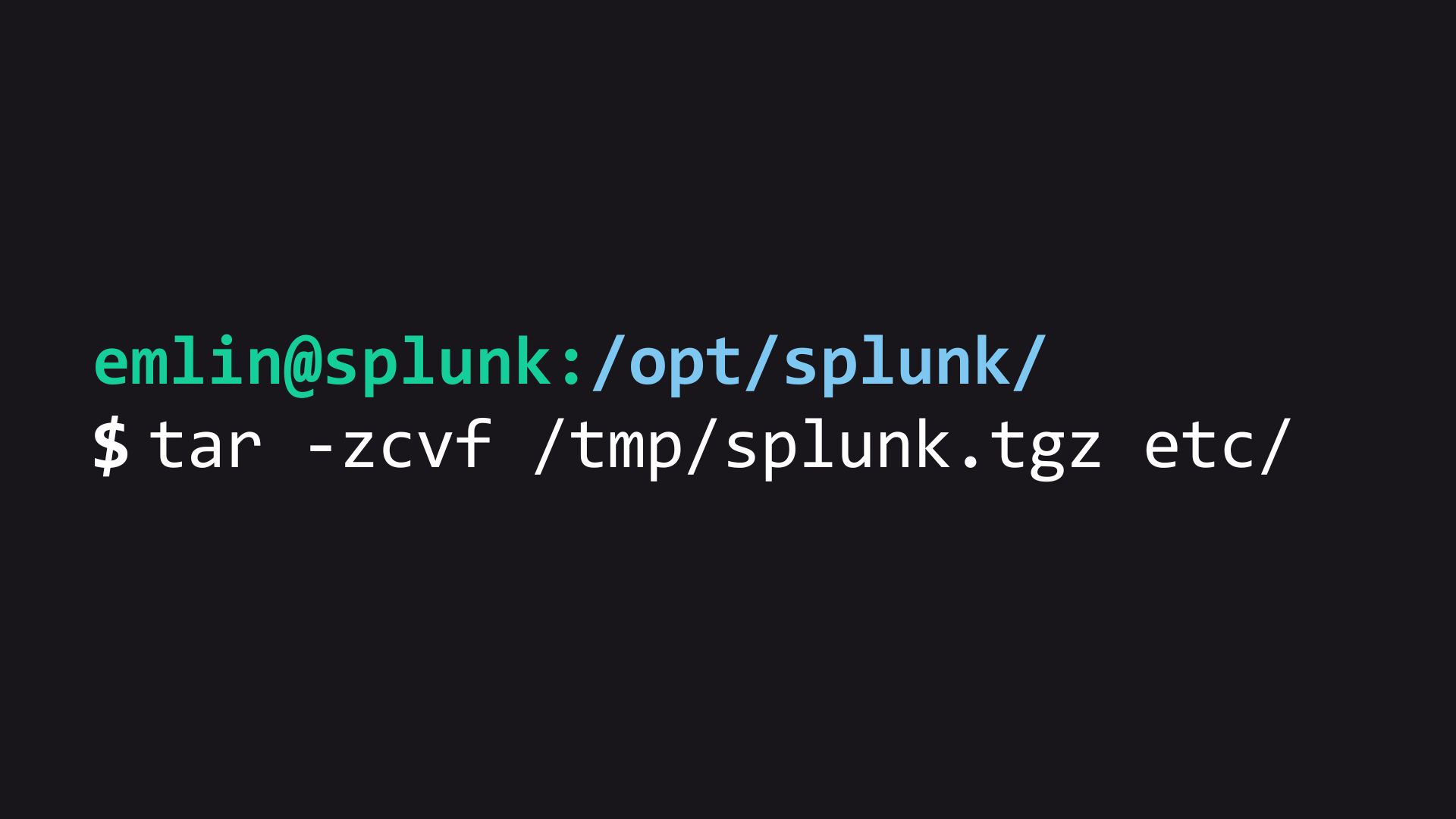
Maintaining a reliable backup strategy is crucial when working with Splunk Enterprise, as it ensures the ability to revert back to a functional state in the event of an unrecoverable issue. In this article, we will explore a simple yet effective method of backing up Splunk’s /opt/splunk/etc directory.